 Skip to content
Quick answer
Daman games download comes in three forms: play in the browser with no download, add a home-screen shortcut with Add to Desktop, or install the Android APK. All three open the same account and games.
Not everyone needs to install a file. For many players, the Add to Desktop shortcut gives the same games with fewer risks. This page lays out the trade-offs so you can decide quickly.
For a broader look at the platform, visit the Daman games home page.
What counts as a Daman games download?
A Daman games download is any method that puts Daman on your device for quicker access: an APK on Android, or a web-app shortcut on Android or iPhone. Browser play is the no-download alternative.
Who is this comparison for?
- Players unsure whether to install an APK.
- People with low phone storage.
- Users on older Android versions.
Which Daman games download option is best?
| Option | Install needed | Works on | Best for |
|---|---|---|---|
| Browser | No | Any phone or computer | Quick checks, shared devices |
| Add to Desktop shortcut | No file | Android and iPhone | Most players |
| Android APK | Yes | Android | Players who want a full-screen app |
How do I use the Add to Desktop option?
- Open Daman through a trusted link.
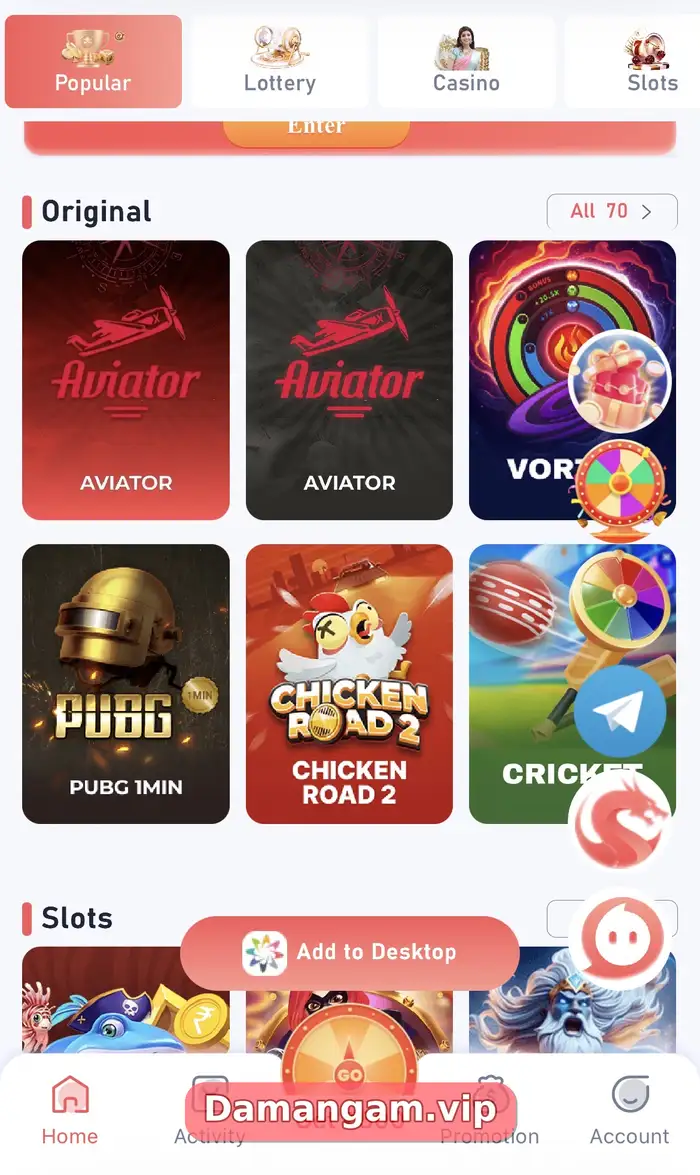
- Tap the floating Add to Desktop button.
- Confirm the prompt (on iPhone: Share > Add to Home Screen).
- Open the new icon and log in.
What should I check before installing an APK?
- Get the file only from a link you reached through a trusted source, never from random file-sharing groups.
- Check that the app asks only for permissions it needs; contacts or SMS access is a warning sign.
- Do not install “mod”, “hack” or “predictor” versions; they often steal login details.
- After installing, turn “Install unknown apps” off again for your browser.
Our safe Daman Game download checklist covers this in more depth.
Which option uses the least data and storage?
The browser and Add to Desktop shortcut use the least storage because nothing is installed. Data use depends mostly on the games you play: lottery rounds use very little, while live casino streams video. If you are on a limited mobile plan, stick to lottery games on mobile data and save casino tables for Wi-Fi.
- Least storage: browser or shortcut.
- Least data: lottery games.
- Most data: live casino.
Daman terms used in this guide
- Unknown apps
- An Android setting that allows installing apps from outside the Play Store.
- Cache
- Stored files that speed up loading but can cause errors after updates.
- Notice bar
- The scrolling message strip on the Daman home page.
- Play Protect
- Google’s built-in Android app scanner.
Frequently asked questions
Do I have to download Daman games to play?
No. You can play in a browser after logging in.
Which is safer, APK or shortcut?
The shortcut avoids installing a file, so it carries less risk, as long as the address is genuine.
Do downloaded games use the same wallet?
Yes. Every option uses the same account and balance.
Can I download individual games like Aviator?
Games run inside the Daman lobby. You do not download them one by one.
Will the shortcut update itself?
Yes. It loads the current web version each time you open it.
Is Daman games download free?
Yes, all options are free.
Key takeaways
- Three options: browser, shortcut, APK.
- The shortcut works on both Android and iPhone.
- Games load inside the lobby; no per-game downloads.
- Install APKs only from trusted links.
Related Daman guides
Ready to open Daman Game?
Log in to your account or register with invite code 3562222125196. Adults 18+ only; play within your limits.
For adults 18+ only. Real-money games involve financial risk and outcomes are never guaranteed. Rules may differ by Indian state, so check your local law before you play. Features, limits and offers can change inside the app at any time.
